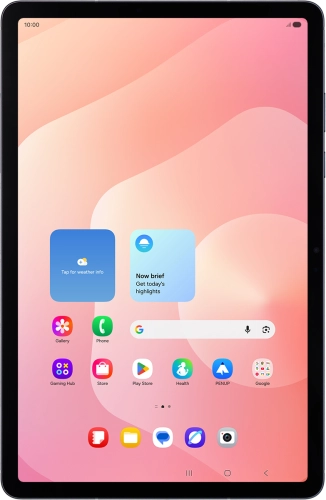
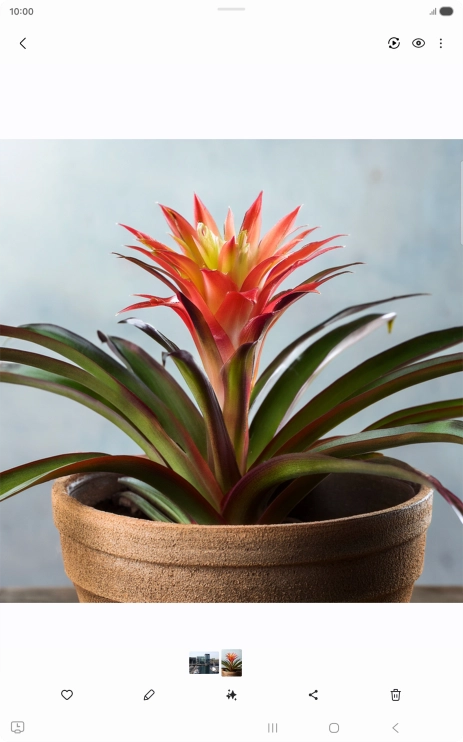
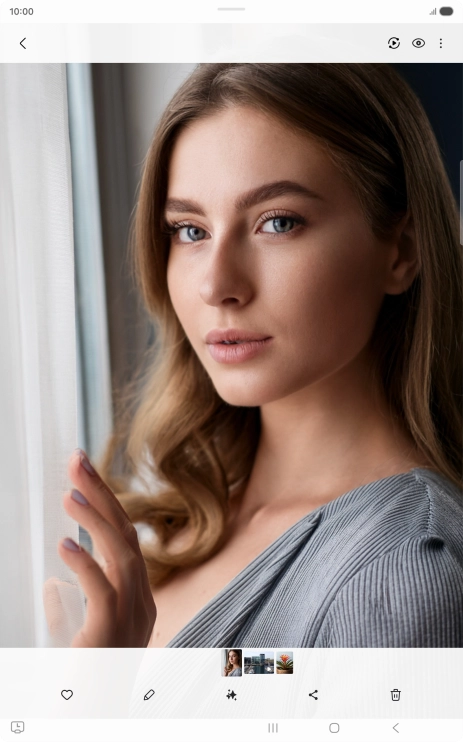
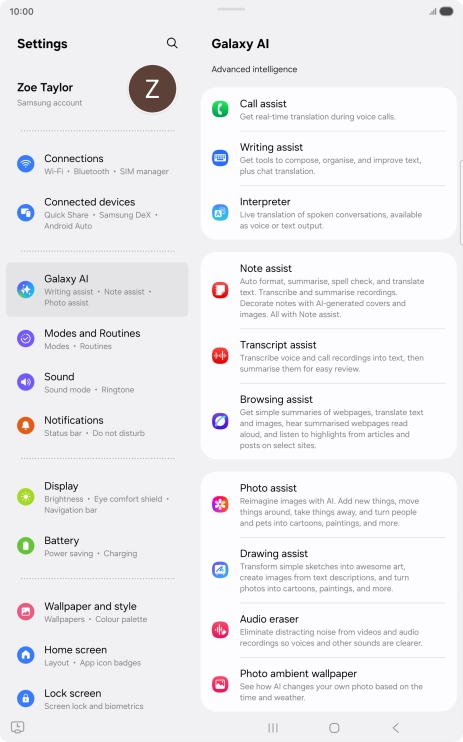
Go to the required picture.
You can draw a circle around an object on a picture and search for the object on the internet. You can use the function in all apps that allow you to take screenshots. You may need to turn on the function in Settings on your tablet before you can use it.
Press and hold the Home key.
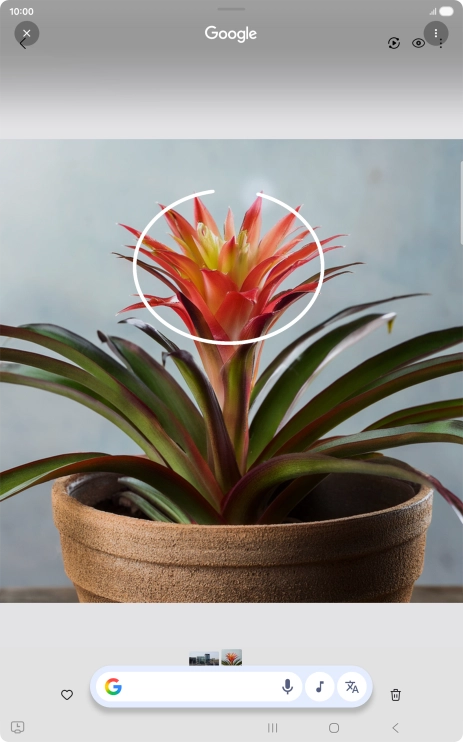
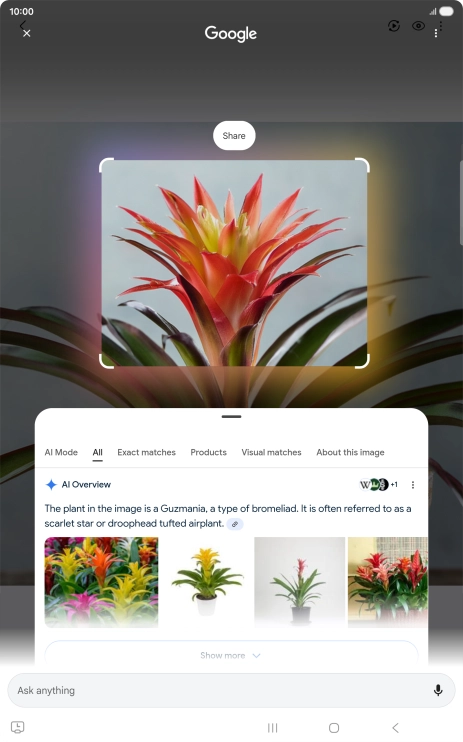
Draw a circle around the required object on the picture and wait for the search results.
Follow the instructions on the screen to use the search results.
Press the Return key to return to the picture.
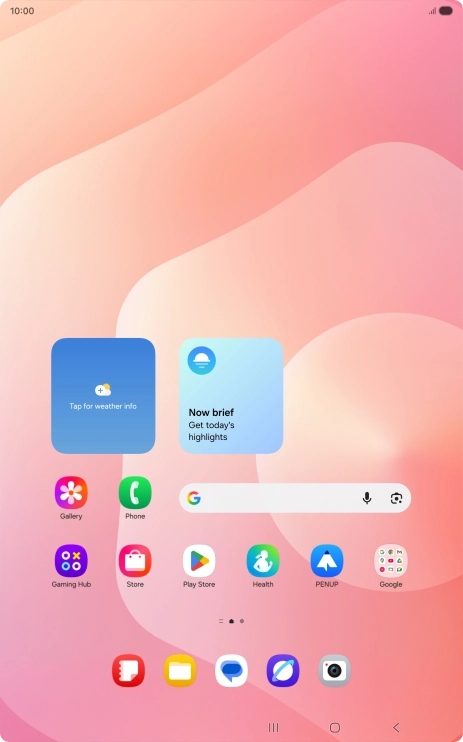
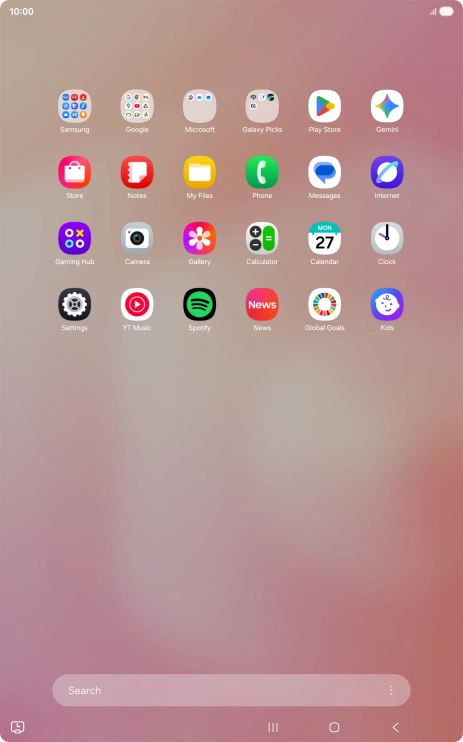
Slide your finger upwards on the screen.
Open a supported app, e.g. Messages.
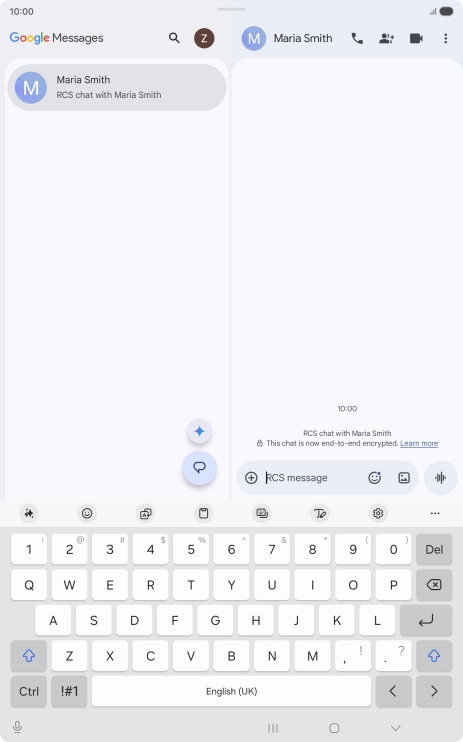
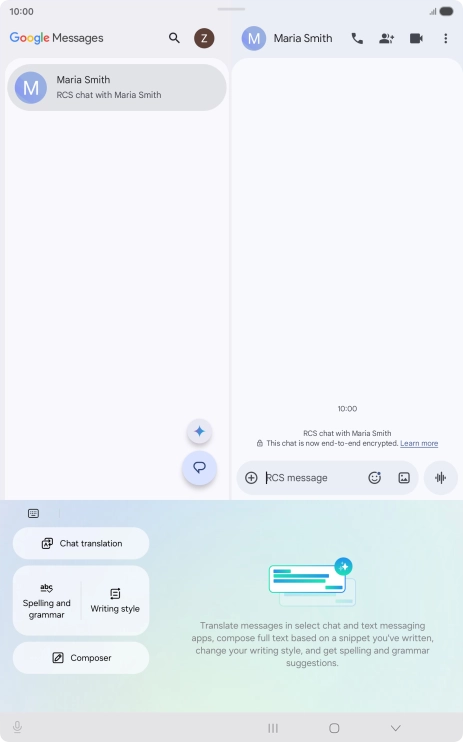
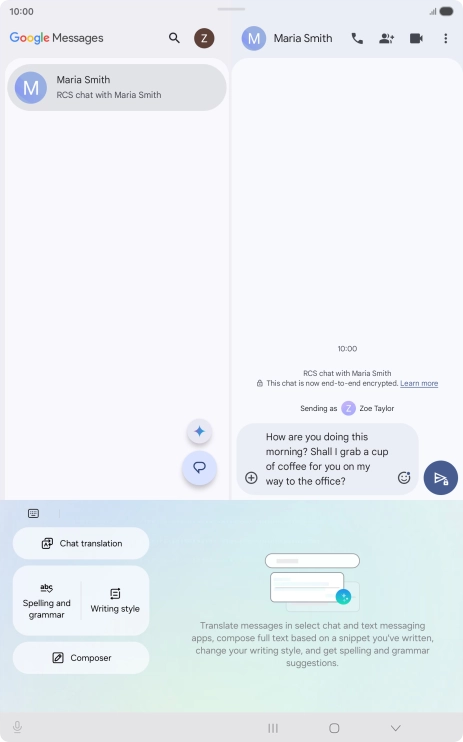
Select an existing conversation or create a new message and press the AI icon.
To generate a text, press Composer and follow the instructions on the screen to use the function.
Using Galaxy AI, you can generate text suggestions based on the selected topic.
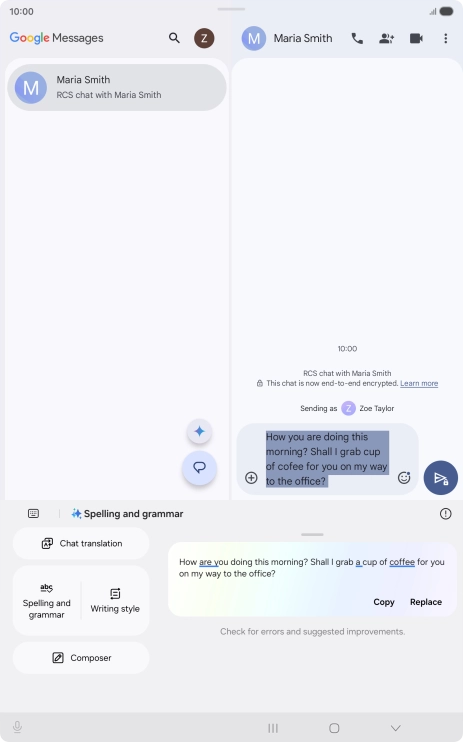
To check your text for grammatical and spelling errors, press Spelling and grammar and follow the instructions on the screen to use the function.
To change the writing style of your text, press Writing style and follow the instructions on the screen to use the function.
Using Galaxy AI, you can change the writing style of your texts. The function works with all of Samsung's own apps as well as various message and social media apps.
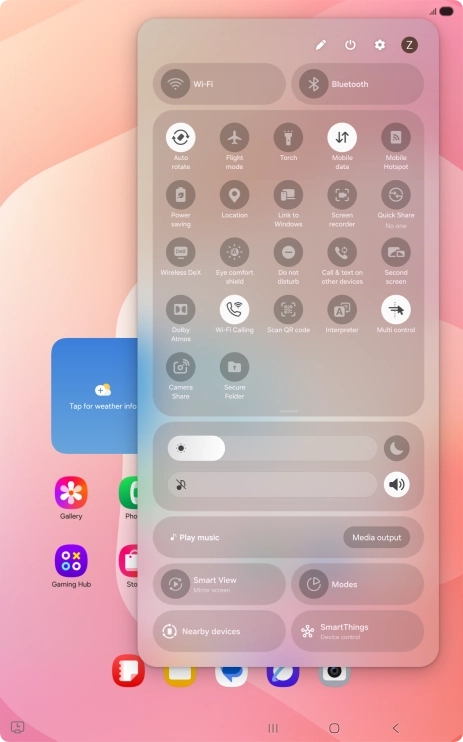
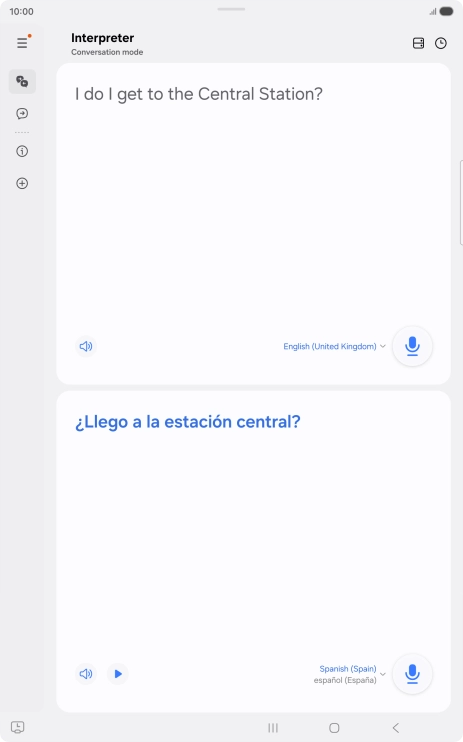
To use Galaxy AI to translate a conversation, slide your finger downwards starting from the top right side of the screen.
Follow the instructions on the screen to select the required language settings and use the function.
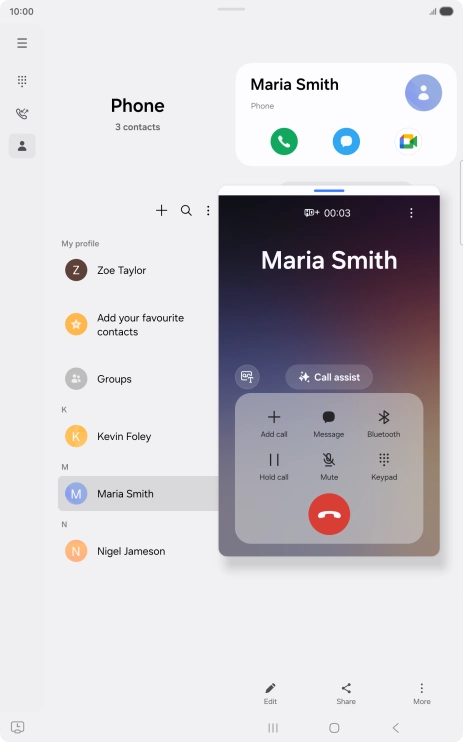
To use Galaxy AI for translation during a call, press Call assist.
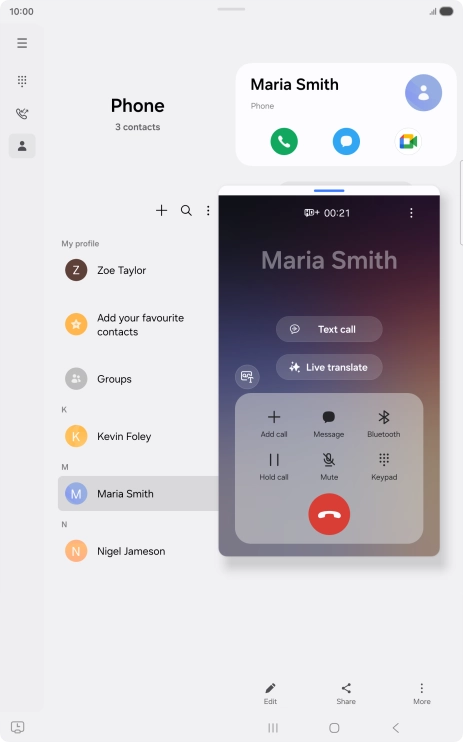
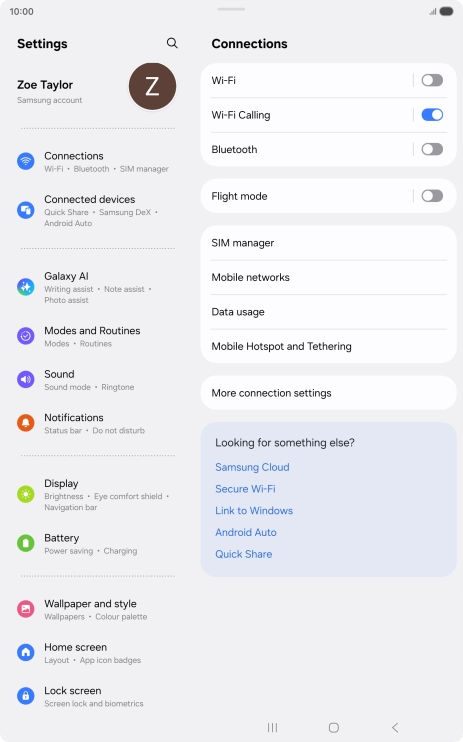
You can have a phone conversation with another person in two different languages and have it translated as you speak. To use the function, you need to turn on Live Translate in Settings on your tablet.
Follow the instructions on the screen to select the required language settings and use the function.
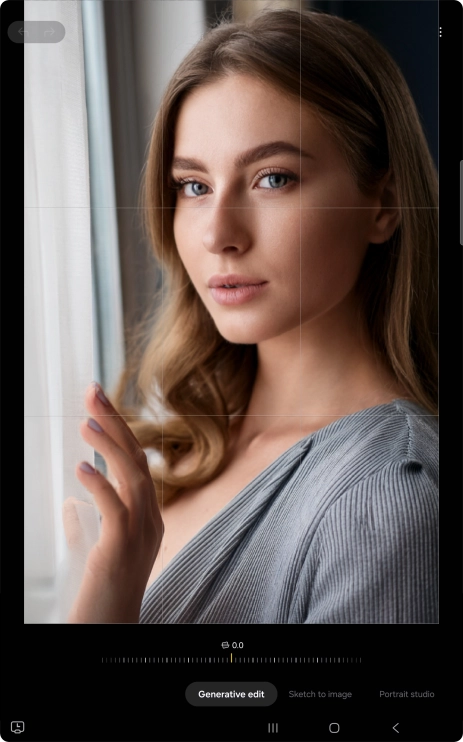
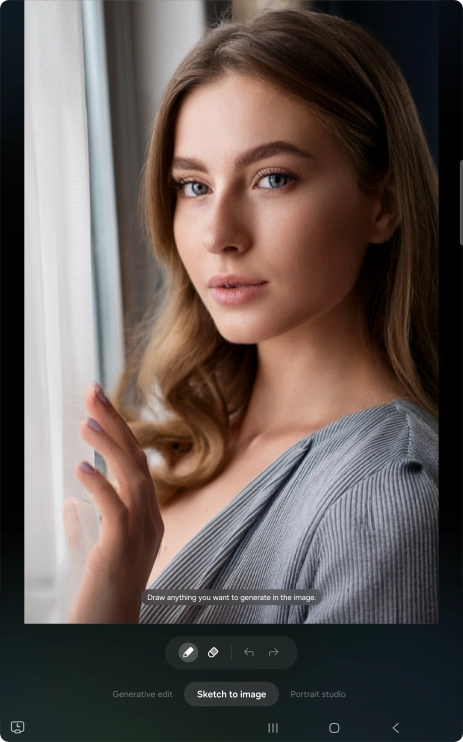
Open Gallery and go to the required picture.
To resize, remove or move objects on your pictures, press Generative edit.
To add an object to your picture, press Sketch to image.
Using Galaxy AI, you can draw a sketch of an object on top of your picture, which then becomes a realistic part of the picture.
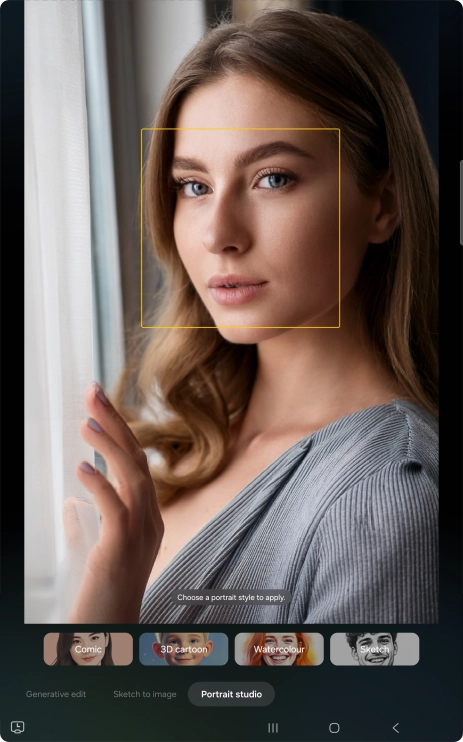
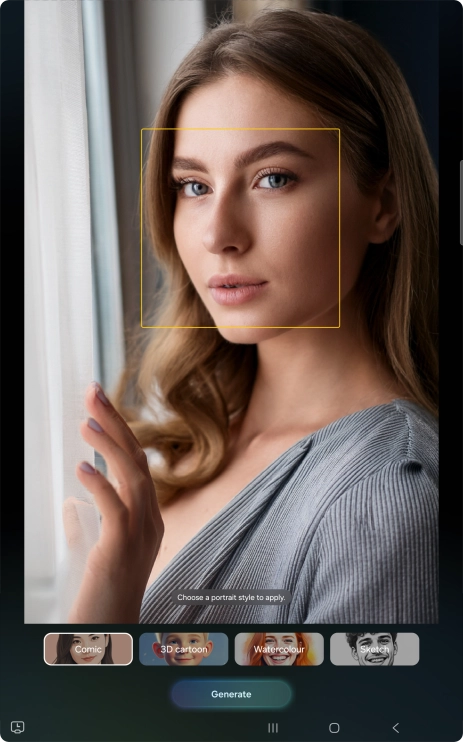
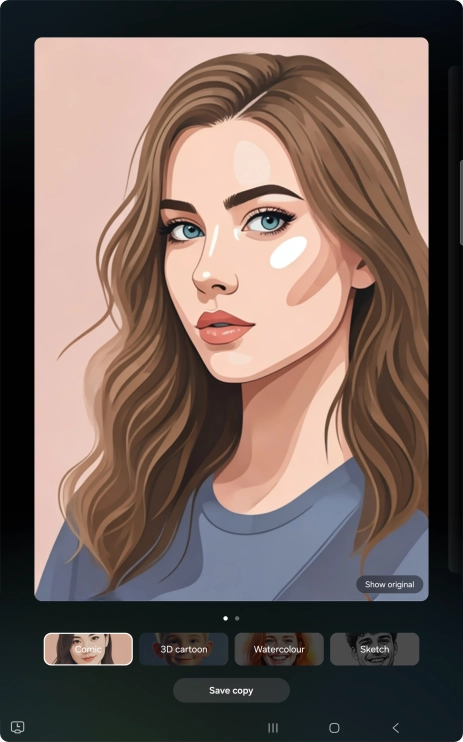
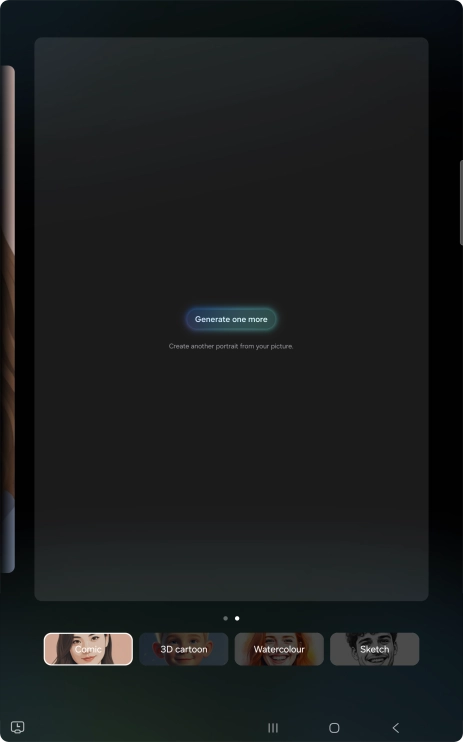
To change your portrait photos to different styles, press Portrait studio.
Follow the instructions on the screen to use the selected function and press Generate.
Press Save copy to save the generated photo suggestion.
Press Generate one more to generate a new photo suggestion.
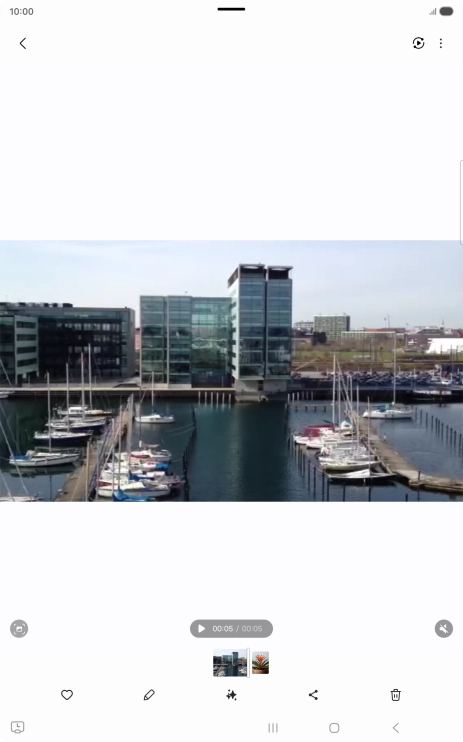
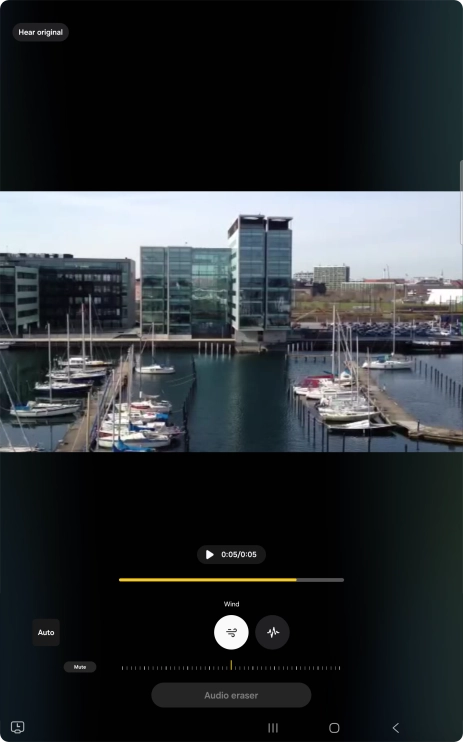
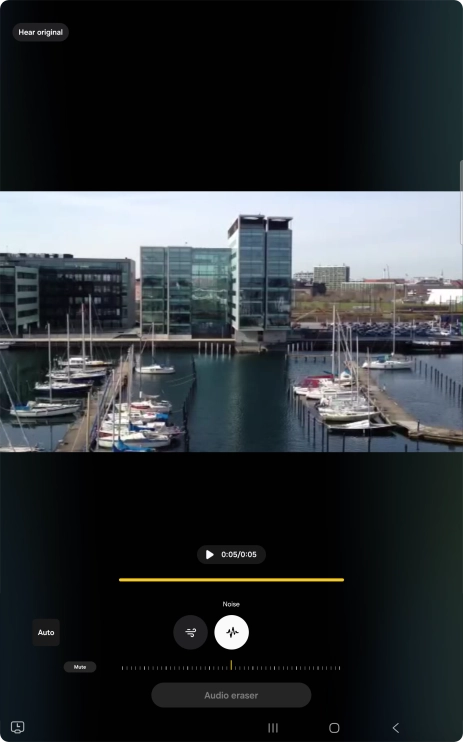
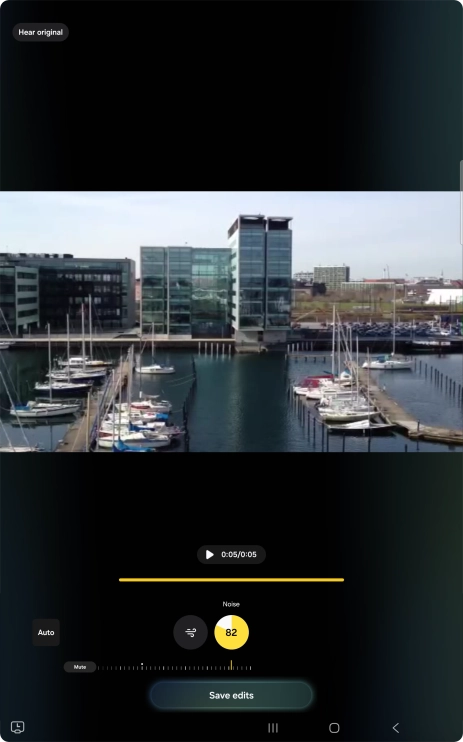
Open Gallery and go to the required video.
Press the required sound type.
Using Galaxy AI, you can reduce or remove unwanted sounds in your videos.
Slide your finger right or left on the indicator to set the required volume for the selected sound type.
Press Mute to completely remove the selected audio type from the video.
Press Save edits to save the edited video.
Slide your finger downwards starting from the top right side of the screen.
More examples of using Galaxy AI are now displayed.