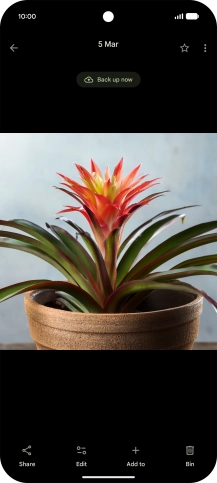
Go to the required picture.
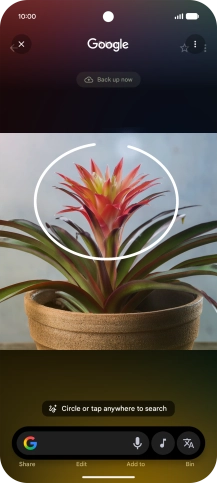
You can draw a circle around an object on a picture and search for the object on the internet. You can use the function in all apps that allow you to take screenshots. To use Circle to Search, you need to turn on the function in Settings on your phone.
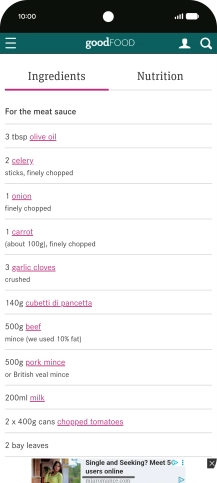
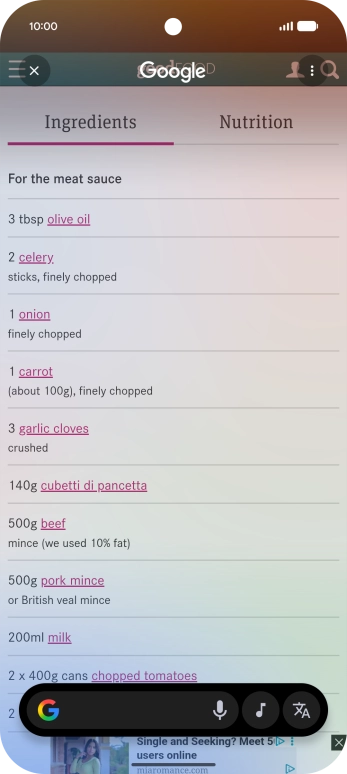
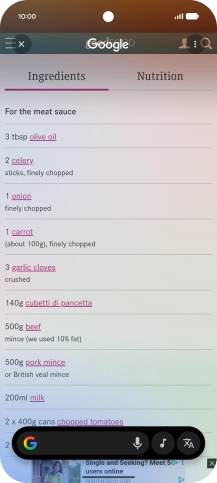
Press and hold the bottom of the screen.
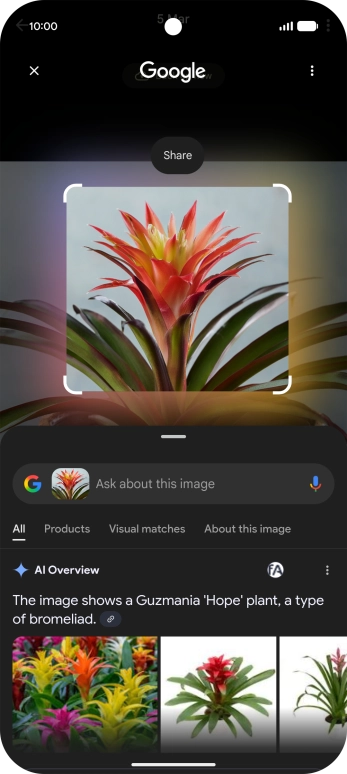
Draw a circle around the required object on the picture and wait for the search results.
Follow the instructions on the screen to use the search results.
Press the end icon to return to the picture.
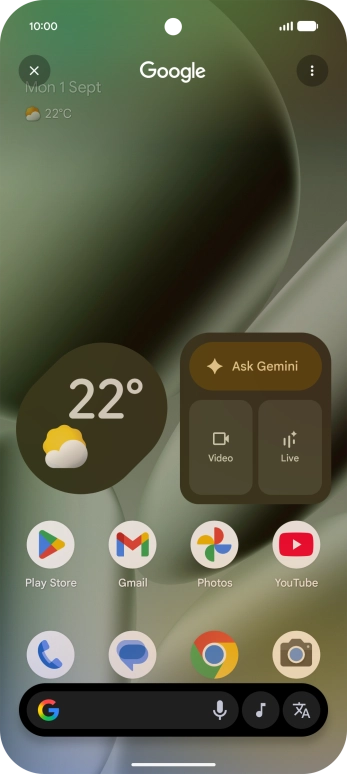
Press and hold the bottom of the screen.
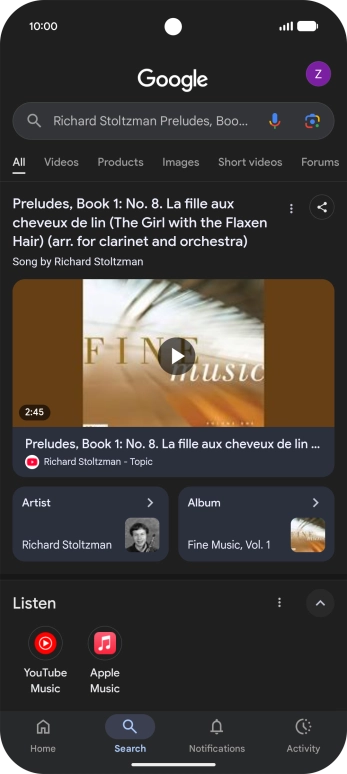
Press the music icon to start searching.
You can search for information about the music playing near you or through the speakers on your device. You can also sing or hum the melody yourself.
Follow the instructions on the screen to use the search results.
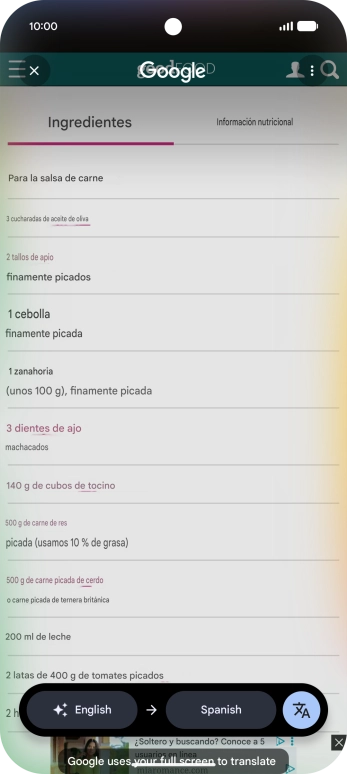
Go to the screen that you would like to translate.
You can have plain text and captions, that appear on your phone screen, translated.
Press and hold the bottom of the screen.
Press the translate icon.
Follow the instructions on the screen to select the required language settings and use the function.
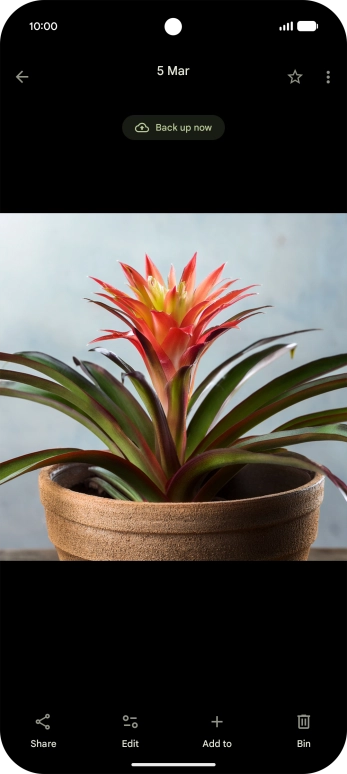
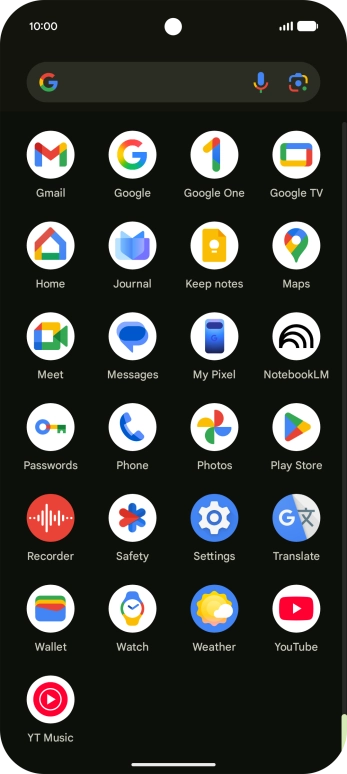
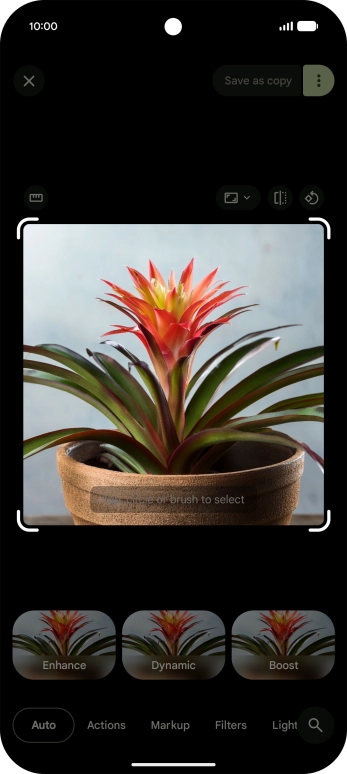
Open Photos and go to the required picture.
Follow the instructions on the screen to use the function.
You can resize, remove, move and change objects and backgrounds in your pictures.
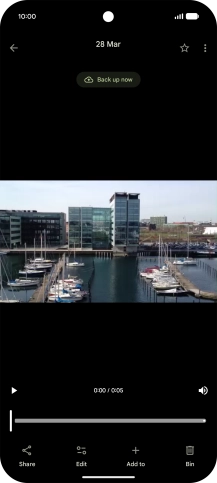
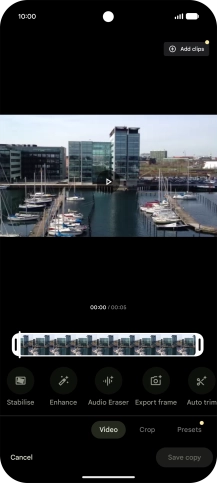
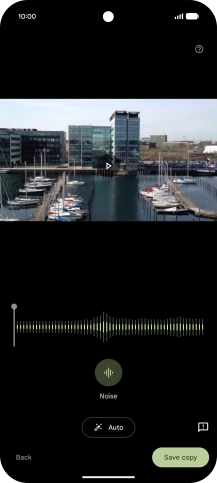
Open Photos and go to the required video.
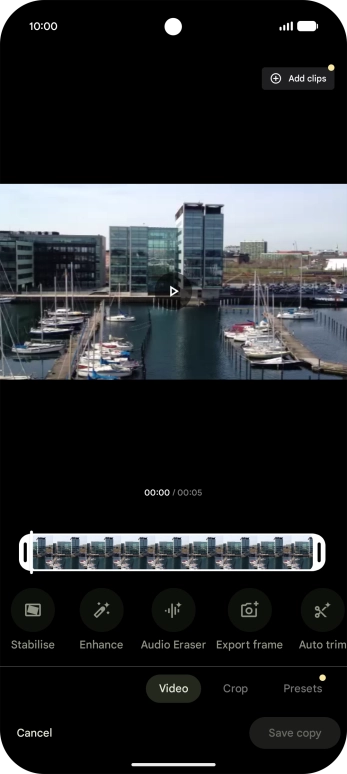
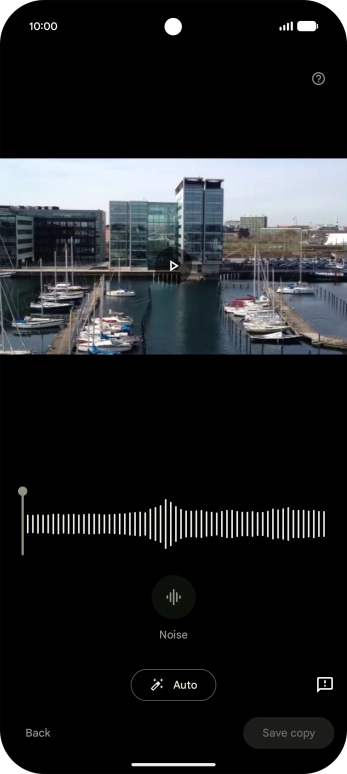
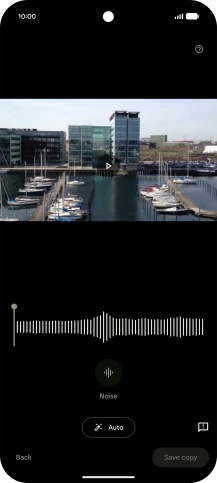
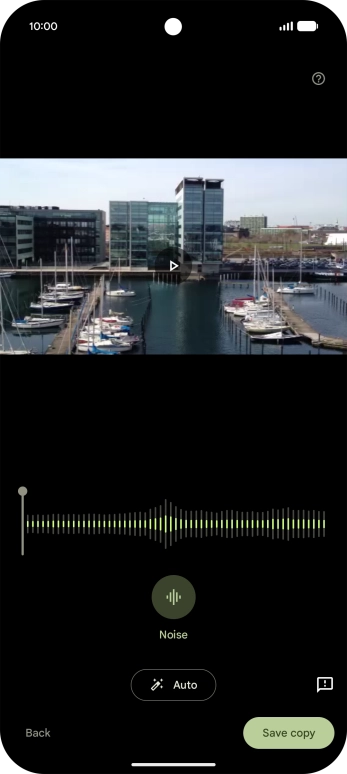
Press Auto to automatically enhance the sound in the video.
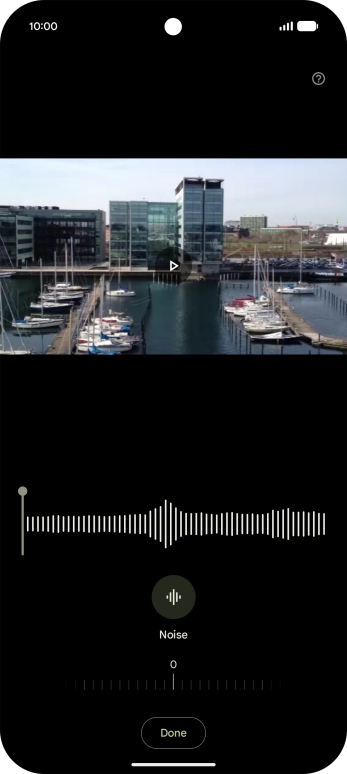
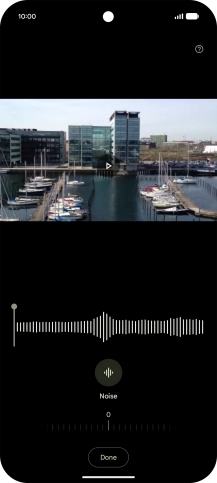
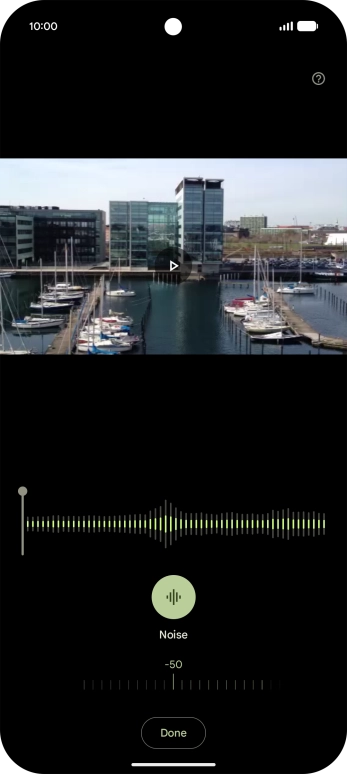
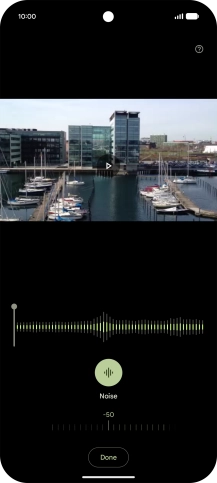
Press the required sound type.
Using Google AI, you can adjust volume for different sounds in your videos.
Slide your finger right or left on the indicator to set the required volume for the selected sound type.